Closing Gift Studio · Free resources
Real Estate Closing Gifts planning tools
Closing Gift Studio has ten free planning tools for agents, loan officers and builders. Some count gifts against expected closings or plaques against a phase of homes. Others test a long household name against a line limit, draft a welcome message or step back from a signing to a ship date. All of them work on figures you type, inside your own browser.
An inventory estimate should not trigger personalization for a closing that has not occurred. Keep generic presentation packaging separate from names, addresses and dates. Confirm how buyers want their household named, and make a personal home gift distinct from promotional desk items for the agent.
calculator
Quantity Calculator
Count the pieces an office order needs once every agent, award category and spare is included, using only the numbers you type in.
calculator
Budget Estimator
Add up a closing gift budget from figures you already hold: quantity, quoted unit cost, setup, shipping and tax, in a single currency.
checker
Engraving Text Length Checker
Paste a closing gift inscription and see the character count per line, so long household names and street names are caught before the proof.
calculator
Shipping & Timeline Estimator
Find the latest date a closing gift can leave and still be wrapped before the signing, using the figures printed on your written quote.
checker
Material Comparison Tool
Set two materials side by side for a closing gift or home plaque, such as walnut against clear acrylic, and see what to confirm before choosing.
planner
Production Timeline Planner
Lay out each stage of a plaque or gift order in reverse, from the arrival date back to the date wording review has to begin.
generator
Engraving Wording Generator
Turn a household name, an occasion and a date into inscription drafts in the tone you pick, then edit the one that sounds like you.
planner
Closing Gift Planner
Estimate how many gifts to plan for from expected closings per month, the months covered, referral gifts and any spares you choose.
A useful order plan, in three decisions
Step 1
Count the actual pieces
Start with the recipients, positions or physical units in your order. Distinguish shared pieces from personal ones, and count packaging separately. Use the quantity tool to reconcile the inventory before discussing a product price.
Open the toolStep 2
Prepare the words and design
Choose the material direction around the intended use. Check exact names and identifiers, then use the text counter to edit line lengths. The final proof needs the product dimensions, artwork and approved wording together.
Open the toolStep 3
Review cost and timing
Enter current quoted costs into the budget tool and confirmed stage durations into the timeline. Keep unknown amounts or dates visible in your brief. The calculation helps you evaluate a proposal; it does not reserve production or purchase shipping.
Open the toolDetails to retain for your order: Preferred household wording, confirmed closing, address format and gift recipient.
Choose the pieces your plan describes
Use these designs to discuss the physical format, personalization and intended use. The images are original AI-generated concepts; final dimensions, material and construction are developed in the quote and proof.

Design concept · Walnut and brass accent
House Closing Gift
Make the client and home the main story. A discreet agent message can sit separately, while names and an address should be included only as the recipient wants them displayed in their home.
Explore the design and personalization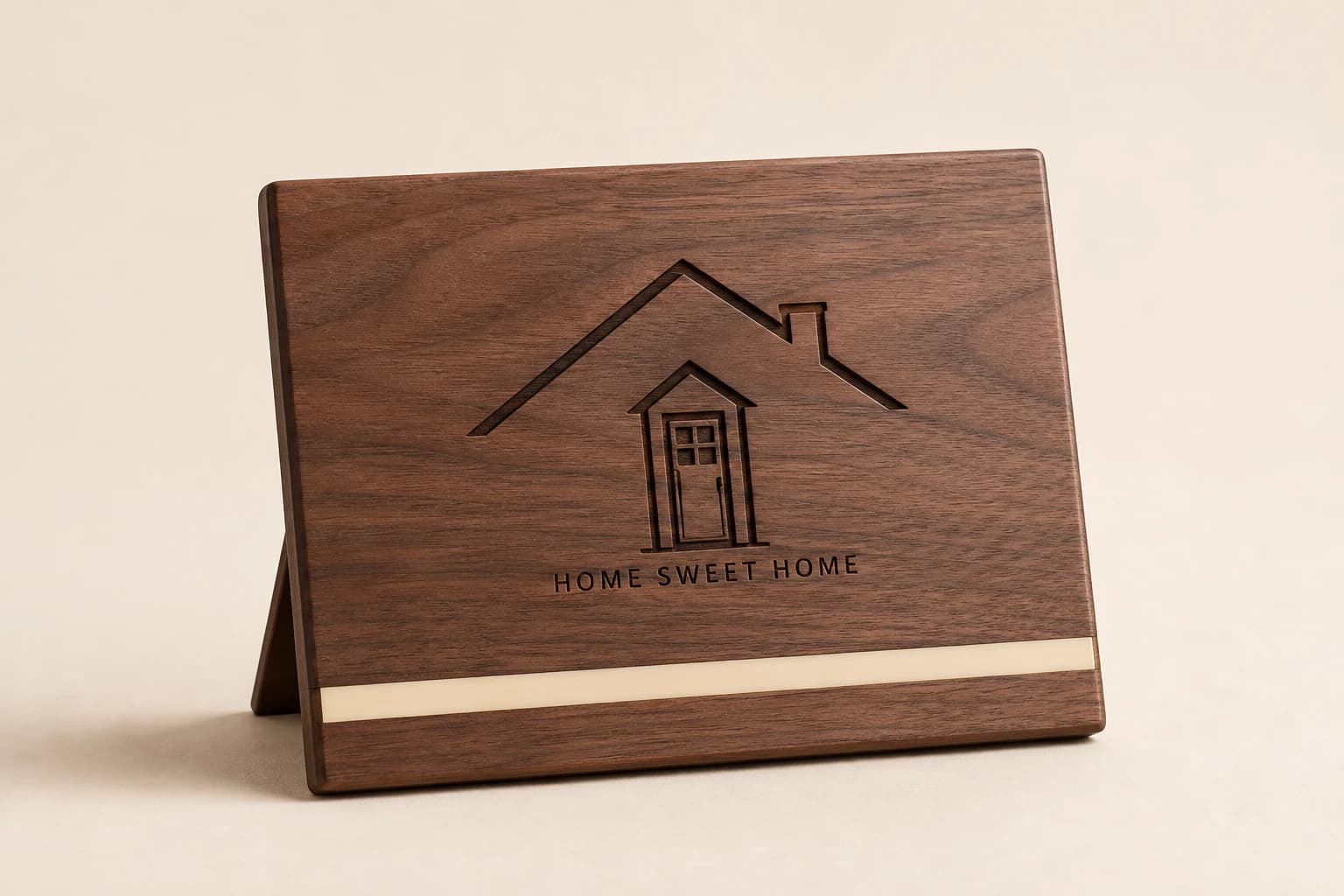
Design concept · Walnut or acrylic
Personalized Closing Gift Plaque
Choose a message that will still feel appropriate after moving day. Keep agency branding modest and confirm the recipients' preferred names, especially when several buyers or family members share the new home.
Explore the design and personalization
Design concept · Clear acrylic
Key-Shaped Acrylic Closing Award
Decide whether the piece is a personal gift to the buyers or an agent's transaction memento. That choice determines whose name leads and whether the full property address belongs on the finished item.
Explore the design and personalization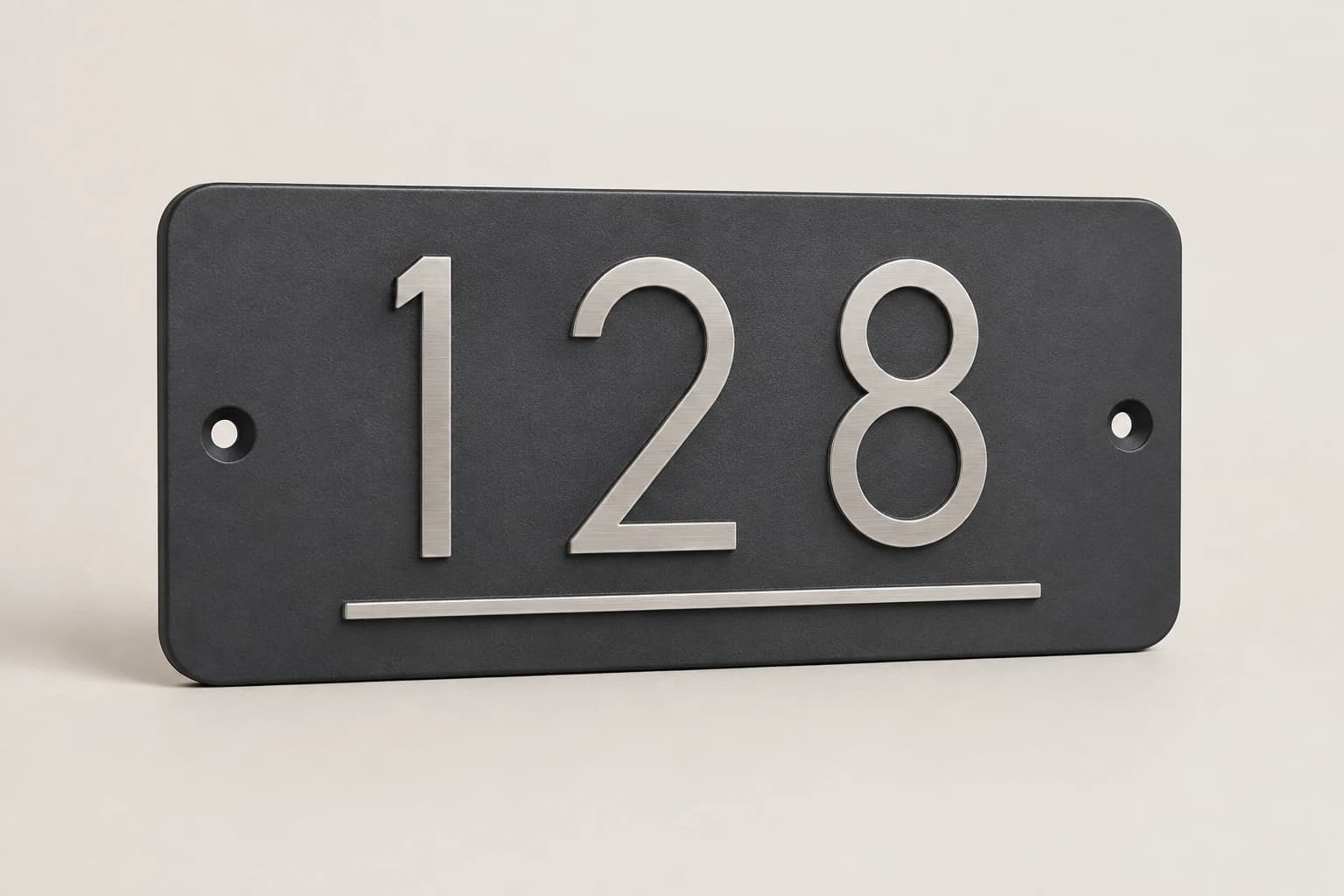
Design concept · Aluminum or a project-specified composite
Custom House Number Plaque
Measure the mounting area and consider the approach from the street. Specify the actual exterior exposure and any local addressing requirements; decorative styling should not make the number difficult for visitors to identify.
Explore the design and personalization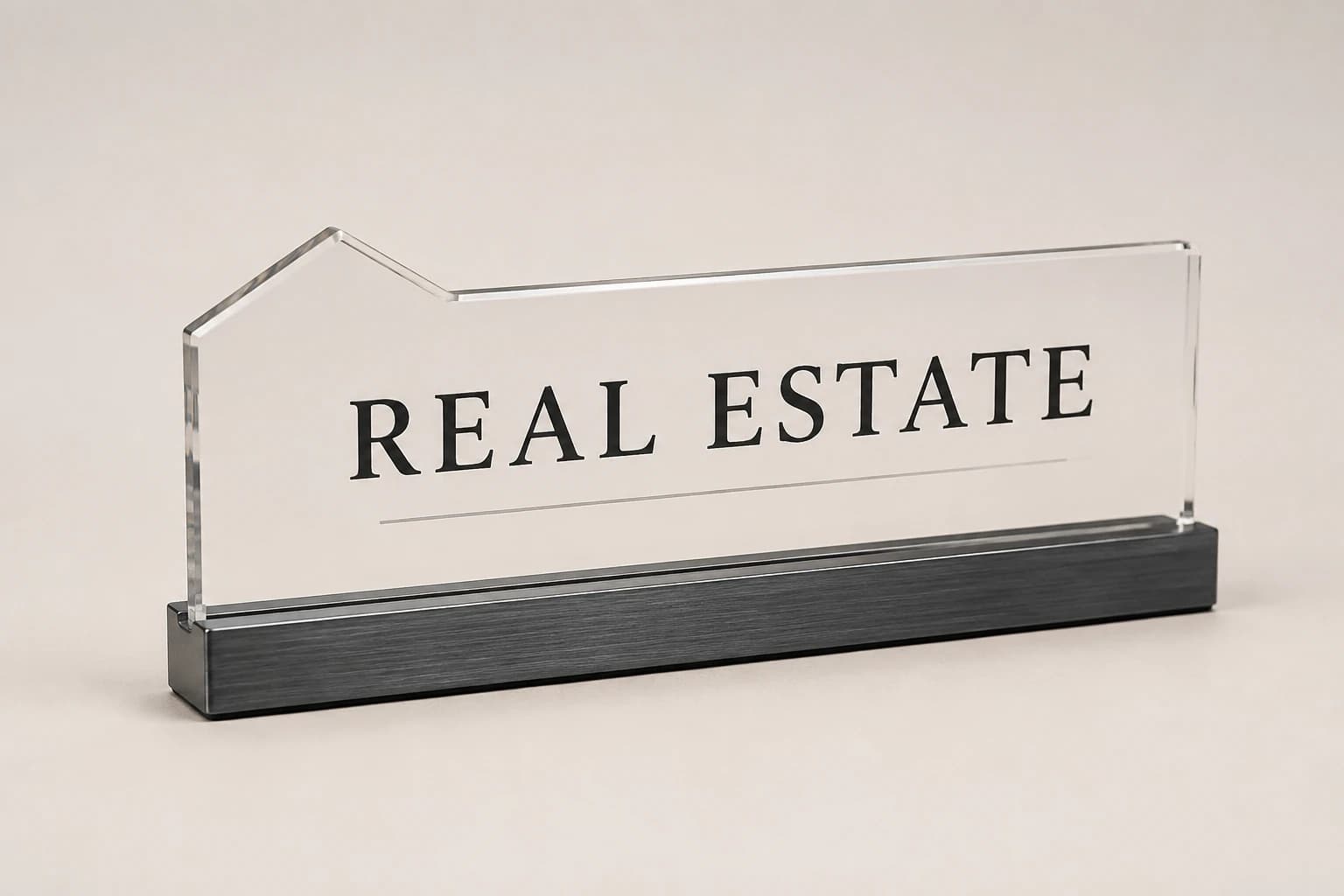
Design concept · Acrylic or metal
Realtor Desk Nameplate
Use the title and brokerage wording the agent is authorized to display. Keep contact details to the ones useful in that setting, rather than reducing the name to make room for every social profile.
Explore the design and personalizationFrom planning result to a useful quote request
The calculators run in your browser. Where a tool offers a quote button, choosing it saves the result as a draft for this brand in the same browser tab. Review the message on the quote page and add the product, material, dimensions, destination and required date. The draft is sent only when you submit the contact form.
Worked examples explain the arithmetic and wording choices. They use sample details and do not represent completed customer orders. Keep your actual names and identifiers in your approved source file, and ask for written confirmation of the final design, price and delivery plan before production.
Which buying guide should you read next?
All buying guidesDecide how the agent is acknowledged while keeping the permanent keepsake suited to the client’s home and display preferences.
Keep an uncertain closing date out of released engraving until its meaning and final value are approved, or choose wording that does not depend on that date.
Choose a gift that centers the recipient's new home or milestone, then decide how prominently the agent's branding should appear. Verify the address, names and closing-related wording with the approved source. Keep gift personalization separate from transaction documents and confirm the actual presentation or shipping date.
Choose a portrait for a memory of the home or an address plaque for a defined display location, then brief the appropriate artwork and physical construction.
Closing Gift Studio quote
Send your real estate closing gift plan for pricing
For real estate closing gifts, Closing Gift Studio prices from the design, recipient, quantity, wording, agent mark, site details and arrival. Paste the planning result into the message.